





Digital invitations and RSVPs
Send something worth opening.
Design your invitation, email it to your guests in its own envelope, and see every reply in one place. Made for simchas.
Free for 7 days, no card needed. Then $149 per event, paid once.
From first draft to final reply
Three steps. Everything saves as you go.
Step 1
Design
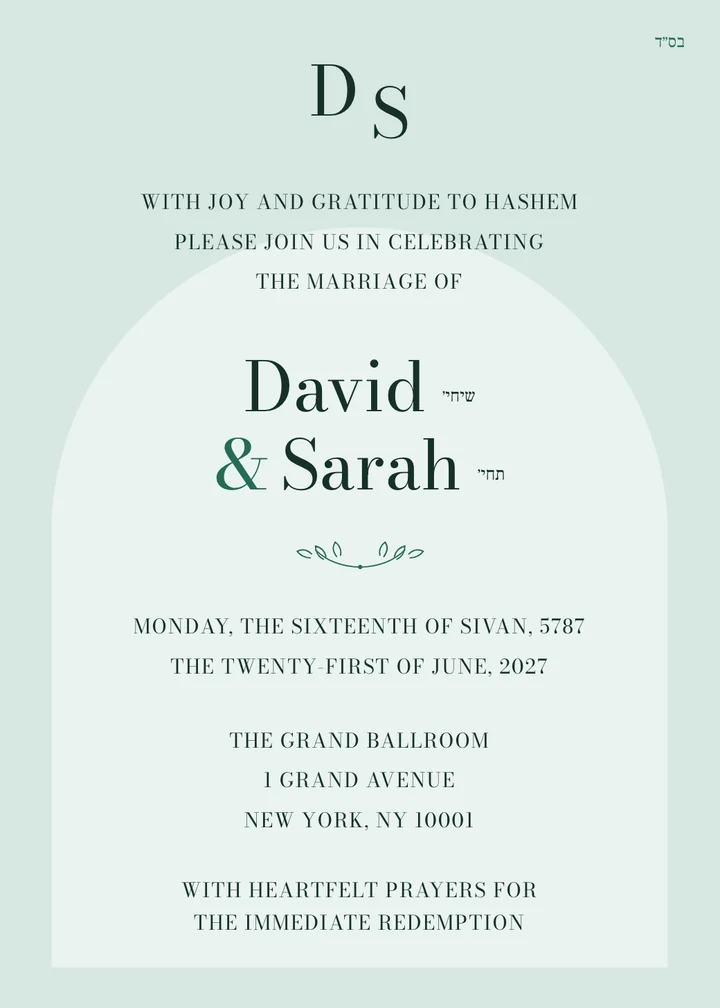
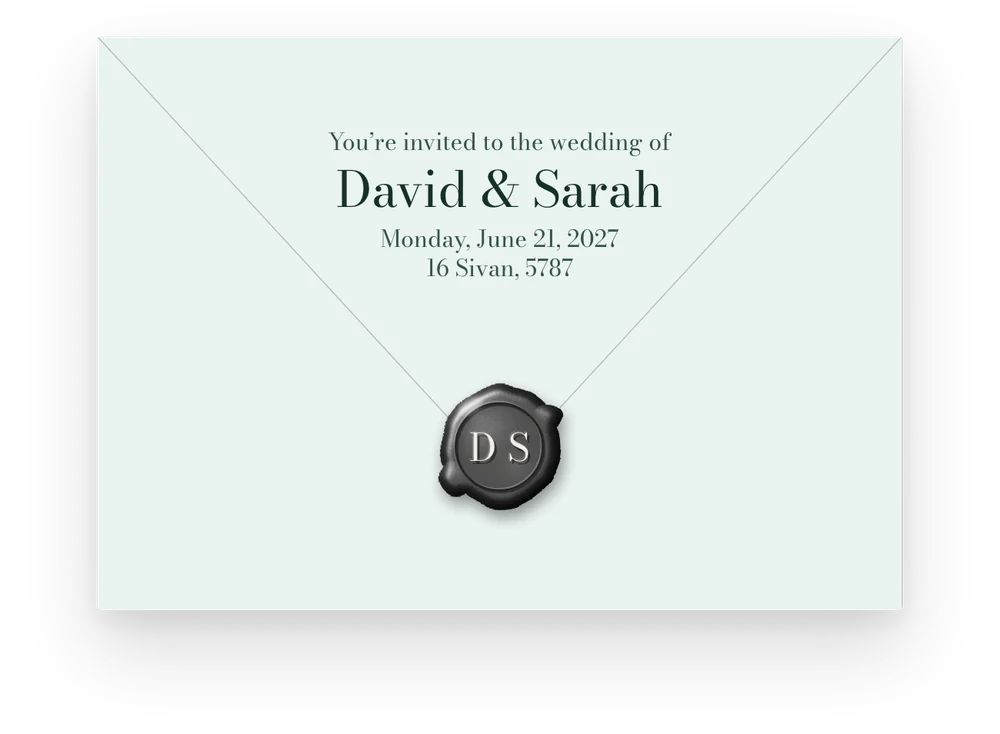
Pick a card or upload your own. Add the details and see it the way your guests will, envelope and all.
Step 2
Send
Add your guests one by one, by family, or from a spreadsheet. Each one gets their own private link.
Step 3
Follow the replies
See who opened and who replied, remind the rest, and turn the yeses into a seating plan.
Choose a design, make it yours
Invitations, save the dates, announcements and thank-you notes. Choose the paper, type, ornament, envelope lining and words.
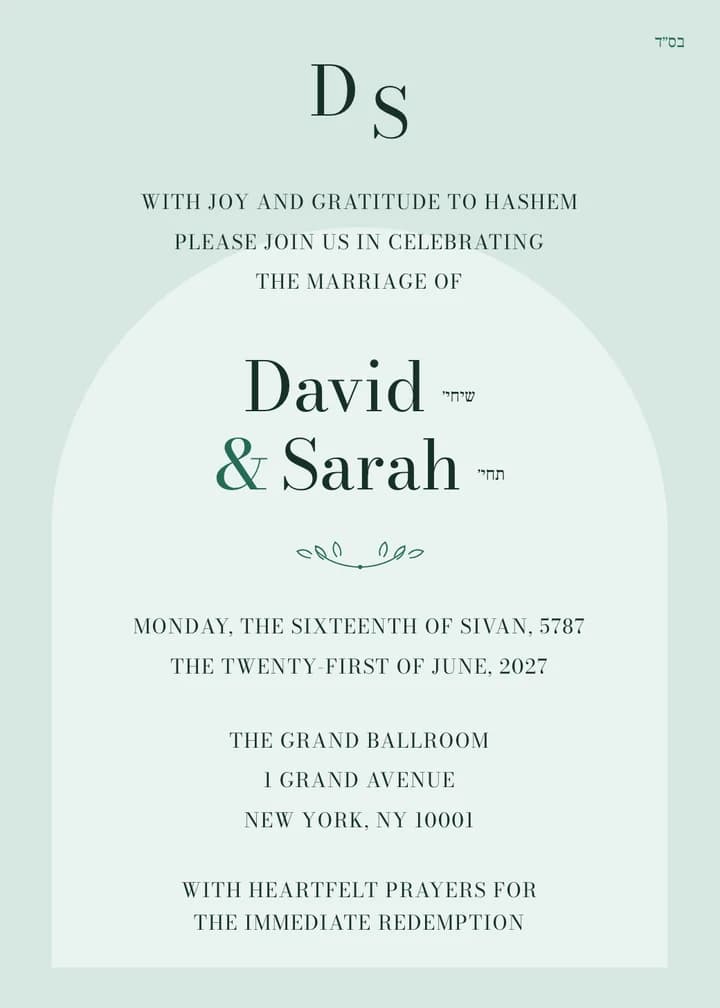
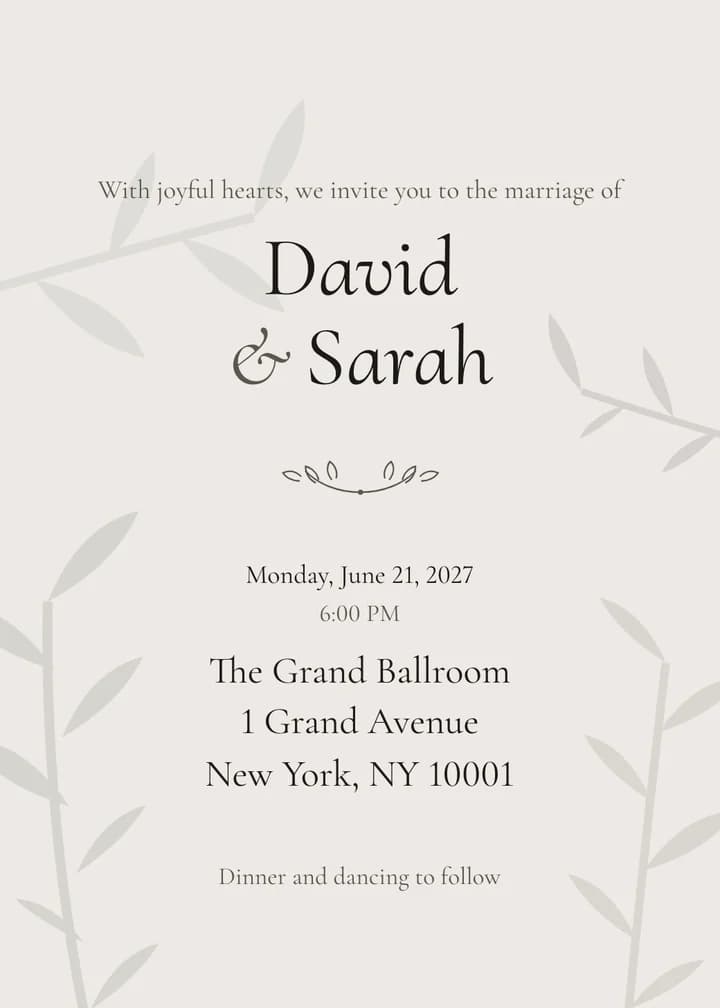
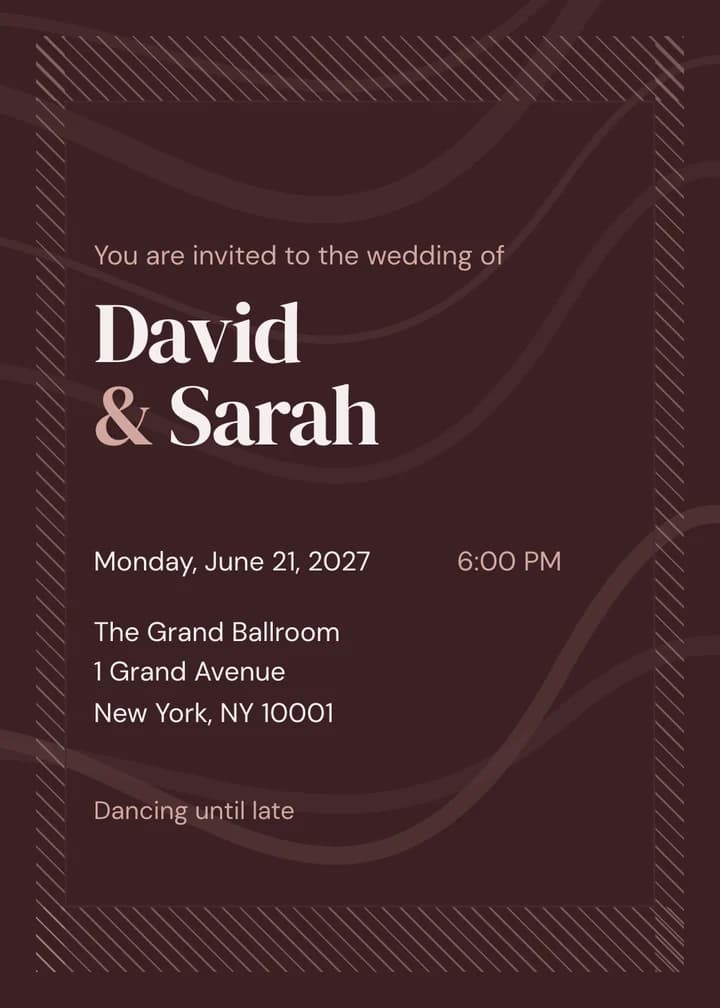
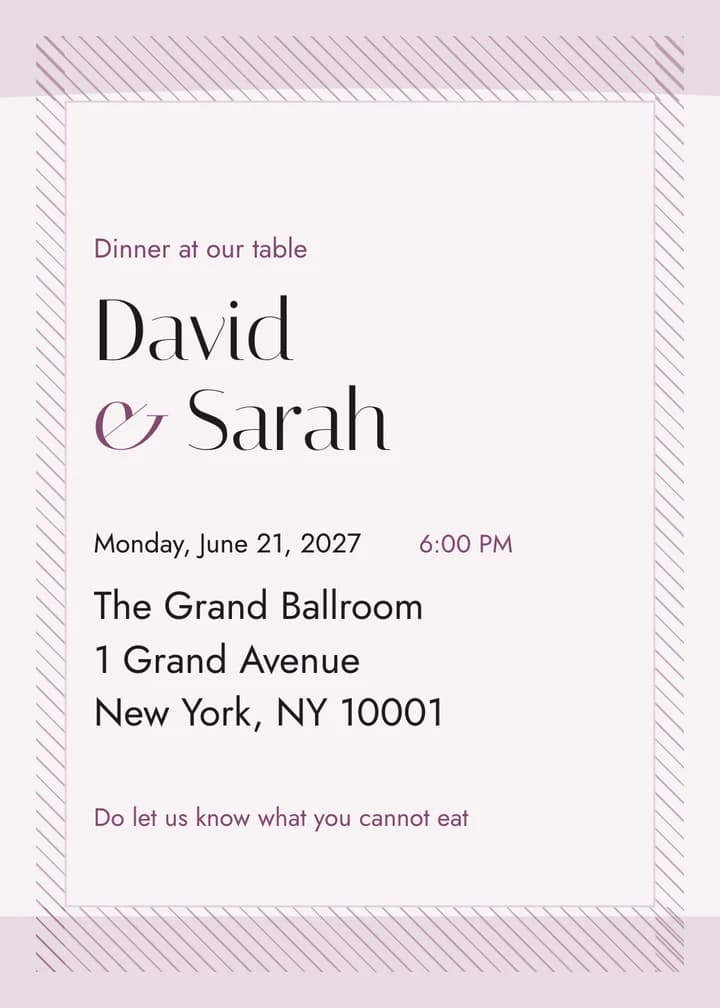
Shown with sample names. Already have a card from a designer? Upload it and we’ll address, send and track it for you. You can swap it any time.
Questions people ask
What do guests see?
Their own private link. It opens on any phone or computer: they open the envelope, see your invitation and reply right there. No app to download, no account to make.
Do I need an account?
Just your Jewgo Account, the same one you use for all our Jewgo platforms. Don’t have one yet? You can make it when you start. Your guests never need one.
Can I upload my own design?
Of course. Upload the invitation your designer made, and we’ll handle the addressing, the sending and the replies. Need to swap it later? Upload the new one and publish.
How do I add my guest list?
Type guests in one at a time, or upload your spreadsheet (Excel or CSV; we have a template). A family shares one invitation, so the Cohens get one envelope, not five.
How are invitations sent?
By email, with your name on it. Rather send it yourself? Every guest has their own link you can copy and share however you like.
Which languages can guests read it in?
English, Hebrew, Spanish, French, German and Italian. Set one for the whole event, or a different one for any family. Your own wording always stays exactly as you wrote it.
Can I plan it with someone else?
Yes. Add a co-host, like your spouse, a parent or the other side’s family, to share the work, or let someone look without editing. You can also share one link that lets guests add themselves.
Can I make changes after sending?
Yes. Fix a typo or change the time, publish, and guests see the update on the same link. Nobody gets the email twice.
How much does it cost?
$149 per event, paid once. Your event’s links stay open for a year from the day you pay.
More on the pricing page and in the privacy notice.